Help the first contributors
Send relatives the link before the reunion and demonstrate how to add a photo. Keep a QR code visible for those arriving at the venue.
Cousins, grandparents, kids: everyone adds photos to the same album — no account needed.
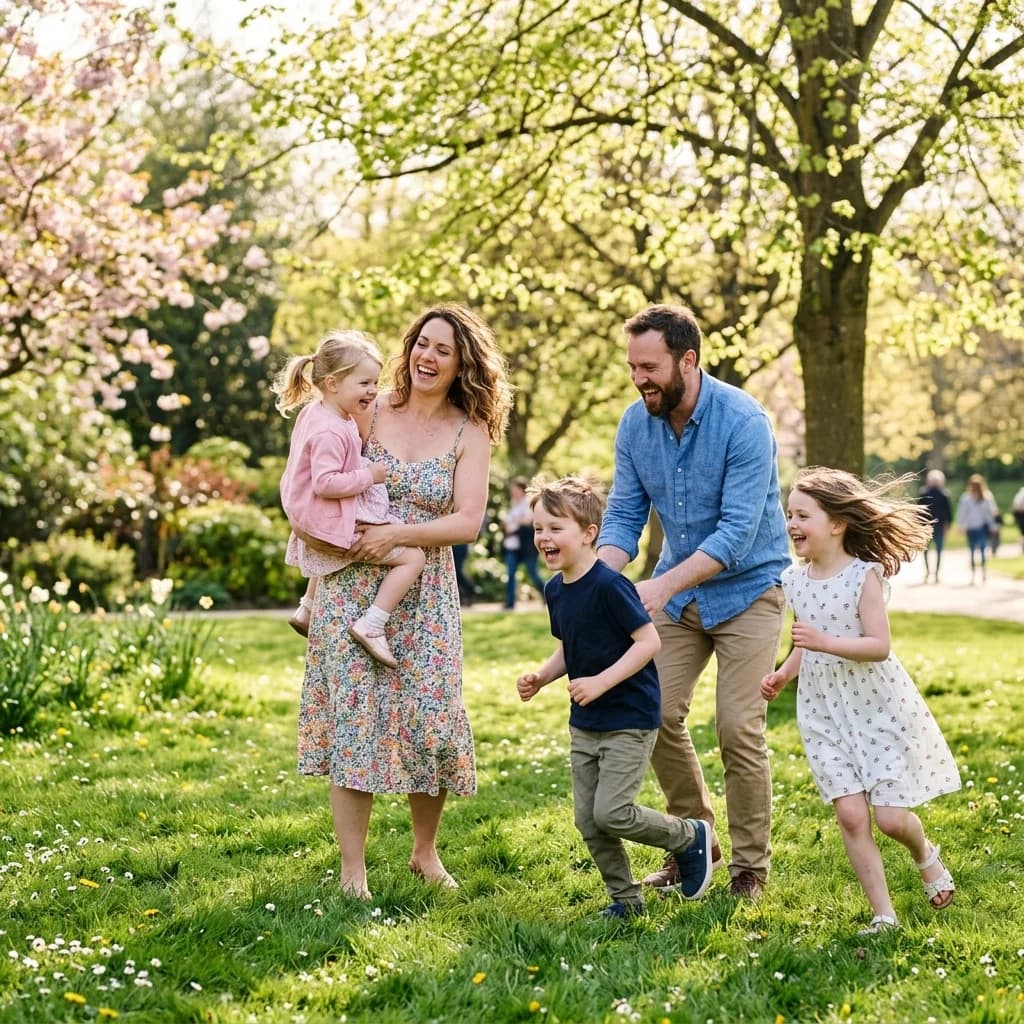
One unique link for the whole family.
Photos no longer crush your messaging.
Only people with the link can access.
A scan or a link — that's it.
One unique link for the whole family.
Works on any phone, no app.
Everyone views or uploads based on your settings.
Download and archive for generations.
Three steps for the whole family.
Name the album (e.g. "Christmas 2026") and enable collab.
Send the link in the family group.
Browse and download every shot.
From the first scan to the last memory
Reunions, family meals and celebrations are shared stories. One link helps everyone find group portraits and the little moments spent together.
Send relatives the link before the reunion and demonstrate how to add a photo. Keep a QR code visible for those arriving at the venue.
The link and QR code provide access to your gallery. Send them to your guests and avoid posting them where anyone can see them.
Send participants a reminder, give them time to add their memories and download your files before the access period in your offer ends.
Guests contribute by link or QR code, with no account or app required.
Start for free, without a subscription. The one-time payment offer remains available in the event flow.
Create an albumView event offerFind your albums in your PhotoPartage space and use your plan benefits.
Compare subscriptionsCollection and retention periods depend on the offer. A one-time payment does not mean unlimited retention.
Practical answers to help you prepare your shared album.
The whole family contributes in a few taps.
Create family album