
Create beautiful 4K 16:9 screens for your Samsung The Frame
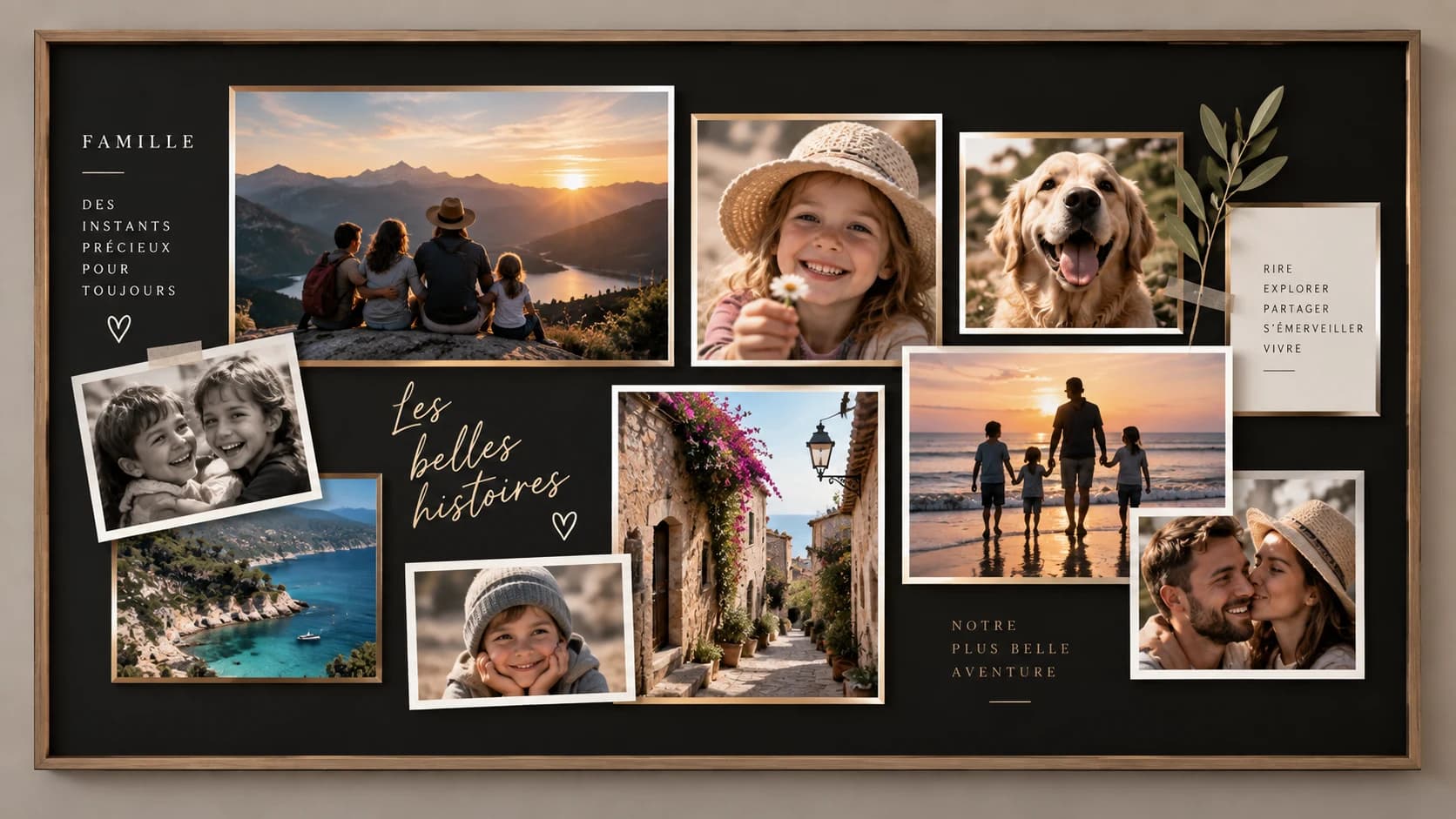
Compose an elegant collage with your photos, export at 3840×2160, then display it in Art Mode, via USB, or in the TV gallery.
Ideal for The Frame — Art Mode, USB, and TV gallery.
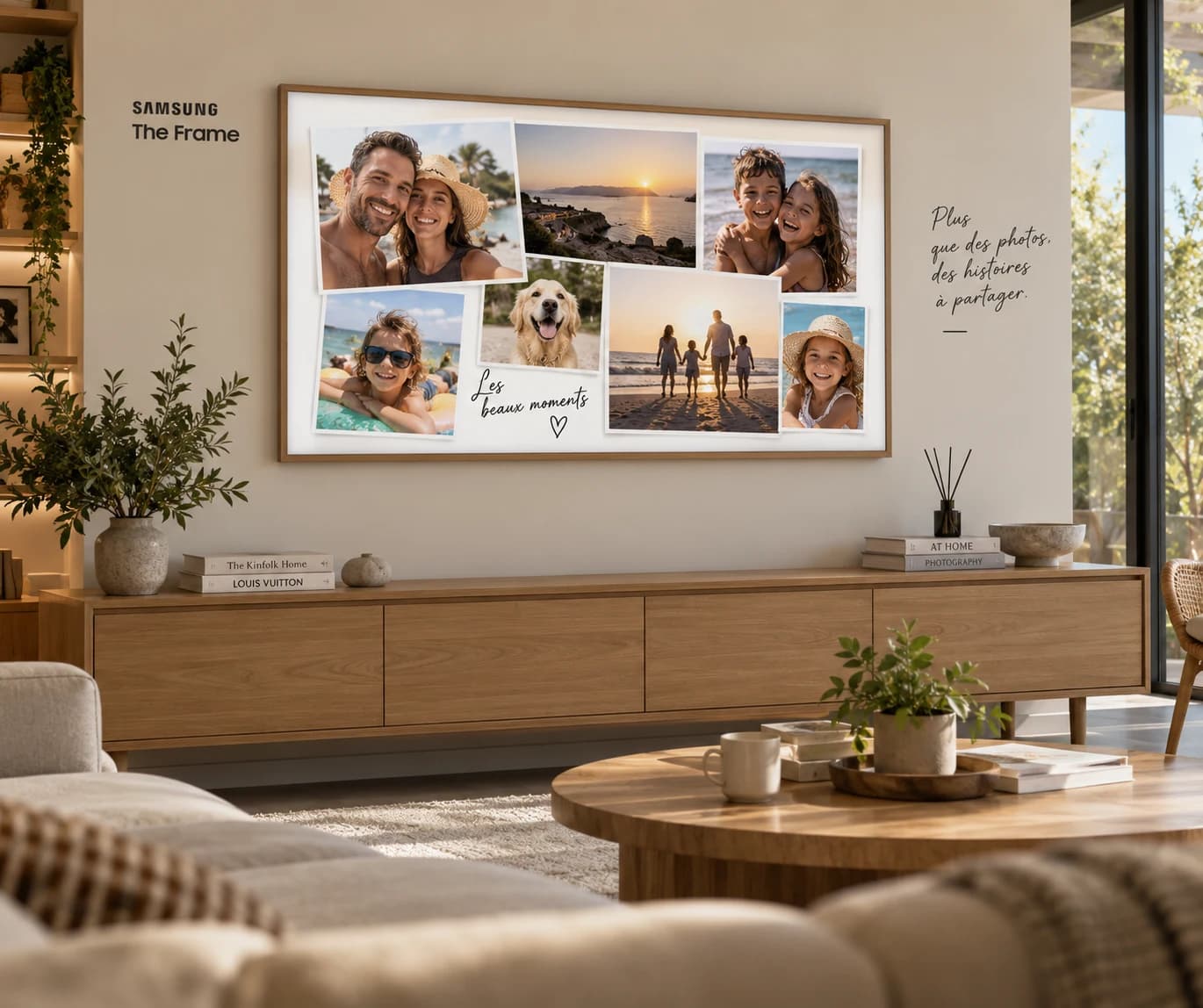
Salon Lumineux & Épuré
Passe-partout blanc classique · 7 photos vacances en famille
Ratio 16:9 Natif
3840×2160 pixels
100% Privé
Généré dans le navigateur
Art Mode Ready
Passe-partout & cadres
Sans Inscription
Export gratuit immédiat
Une présence artistique dans chaque pièce
Découvrez comment les compositions PhotoPartage s’intègrent naturellement à différents intérieurs, de la lumière douce du matin au feu de cheminée du soir.
Salon Lumineux & Épuré
Passe-partout blanc classique · 7 photos vacances en famille
Harmonie parfaite dans un salon moderne baigné de soleil. Le passe-partout blanc met en valeur les sourires et les paysages d’été sans surcharger la décoration.
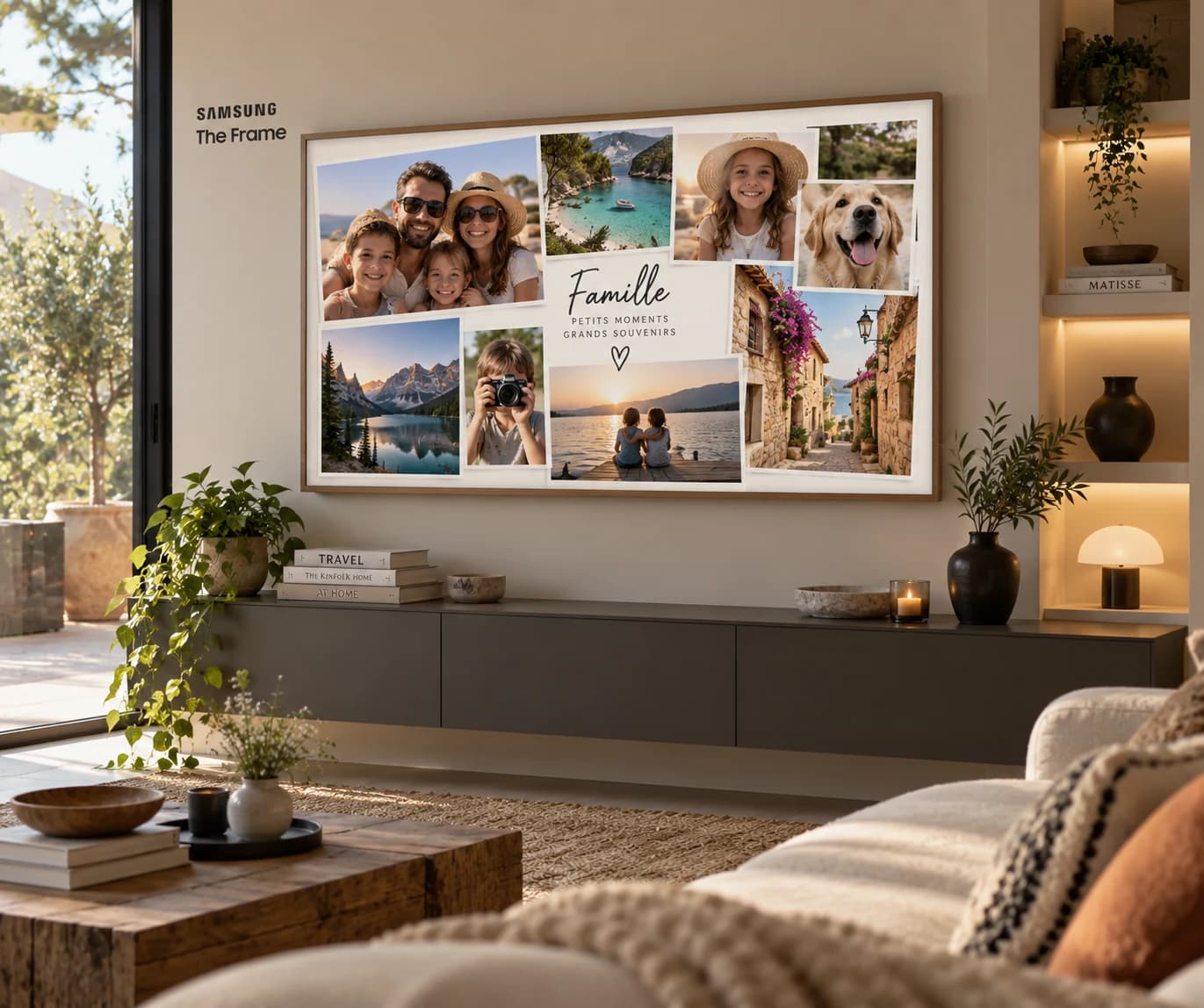
Chêne Brut & Esprit Nature
Pêle-mêle dynamique 8 photos · Bords biseautés et bois clair
Idéal pour exposer vos randonnées montagnardes, escapades au bord de l’eau et portraits spontanés dans un intérieur vivant et verdoyant.
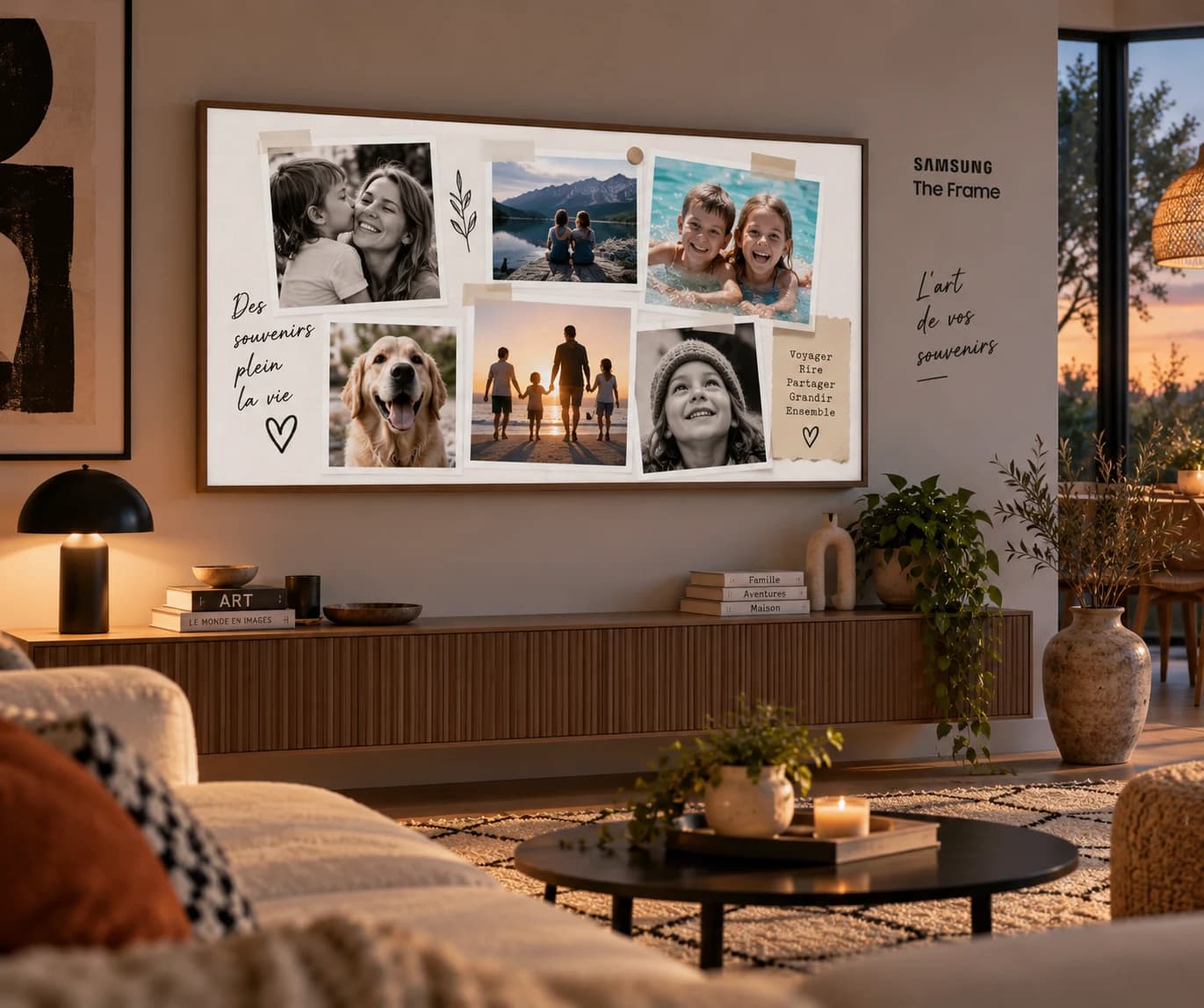
Soirée Chaleureuse & Tamisée
Style rétro polaroid & masking tape · Éclairage tamisé et bougies
Une touche artisanale et affective incomparable grâce aux clichés façon instantanés scotchés au mur. Vos souvenirs deviennent le cœur chaleureux du salon.
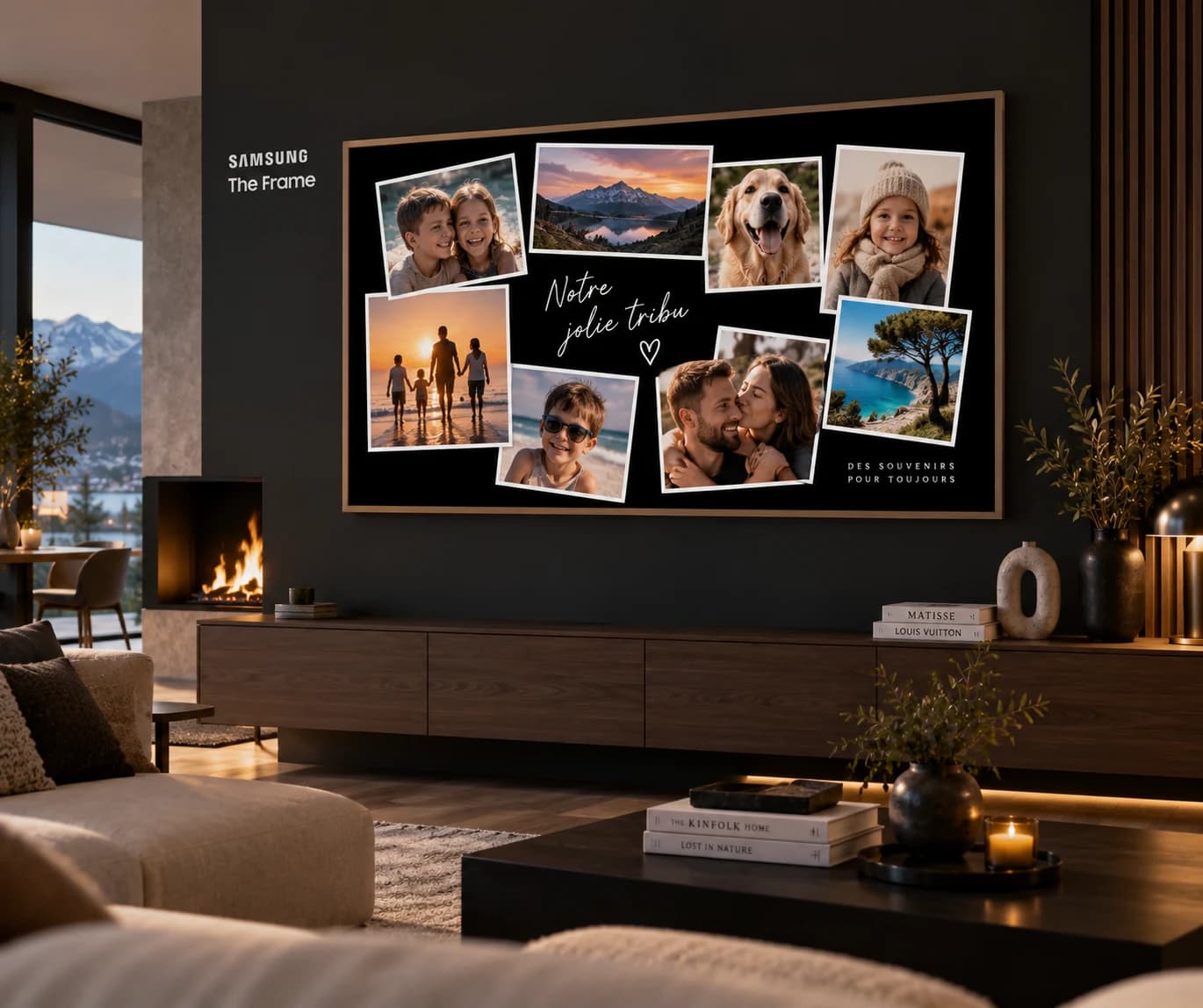
Nuit Contemporaine & Feu de Cheminée
Fond noir intense contrasté · 7 clichés polaroïds & flammes
L’Art Mode sombre sublime les contrastes de nuit. Les photos ressortent avec une intensité émotionnelle saisissante auprès du feu qui crépite.
Rendu Galerie d’Art 4K UHD
Zoom haute précision · Biseau musée, passe-partout texturé et dorures
Chaque détail photographique et chaque grain de papier virtuel restent nets à la perfection sur dalle 4K. Vos clichés deviennent une authentique œuvre encadrée.
Votre propre composition
Déplacez, redimensionnez et personnalisez chaque cadre à la volée. Choisissez la couleur du passe-partout (noir velours, blanc mat, crème, bois) et exportez en 1 clic.
Chaque détail compte sur un grand écran
Contrairement aux dossiers de photos classiques, nos gabarits sont spécialement étalonnés pour le ratio 16:9 et la luminosité antireflet de The Frame.
Collage templates
Eight ready-made 16:9 layouts with movable frames.
Your photos
Add pictures from your computer — everything stays in the browser.
4K export
Download a 3840×2160 PNG or JPEG, sharp on a 4K display.
Art Mode / USB / gallery
Send the file to The Frame and display it like a piece of art.
Votre tableau photo en quelques clics
Simple, sans installation d’application complexe ni abonnement requis.
- 1
Pick a template
Browse 16:9 collages and choose a composition.
- 2
Add your photos
Drop images into frames, then tweak position and background.
- 3
Export 4K
Download the 3840×2160 image — no account required.
- 4
Send to The Frame
Import via USB, Art Mode, or the TV gallery.
How to display your photos on The Frame
Export a 4K 16:9 file, then pick the simplest path for your TV: USB stick, Art Mode, or the built-in gallery.
USB drive
Copy the 3840×2160 JPEG or PNG to a stick, plug it into the TV, and open the file from the USB player.
Art Mode
Import the image into Art Mode so it hangs like artwork when the TV is in frame standby.
TV gallery
Add the file to the TV gallery if you prefer a home slideshow rather than a single artwork.
4K export: 3840×2160, 16:9
The TV screens editor outputs a sharp image at native 4K resolution. PNG for maximum fidelity, JPEG for a lighter USB file. Nothing is uploaded: the collage is composed in the browser.
The Frame FAQ
Is PhotoPartage affiliated with Samsung?+
Which resolution should I export for The Frame?+
How do I show the collage in Art Mode?+
Do I need a PhotoPartage account?+
Can I use photos from a wedding or event album?+
Your The Frame deserves your photos
Open the free editor and compose a 4K screen in a few minutes.
Samsung and The Frame are trademarks of Samsung Electronics. PhotoPartage is not affiliated with Samsung. The visual lockup is a PhotoPartage original, not an official Samsung logo.