
What it changes for the renter
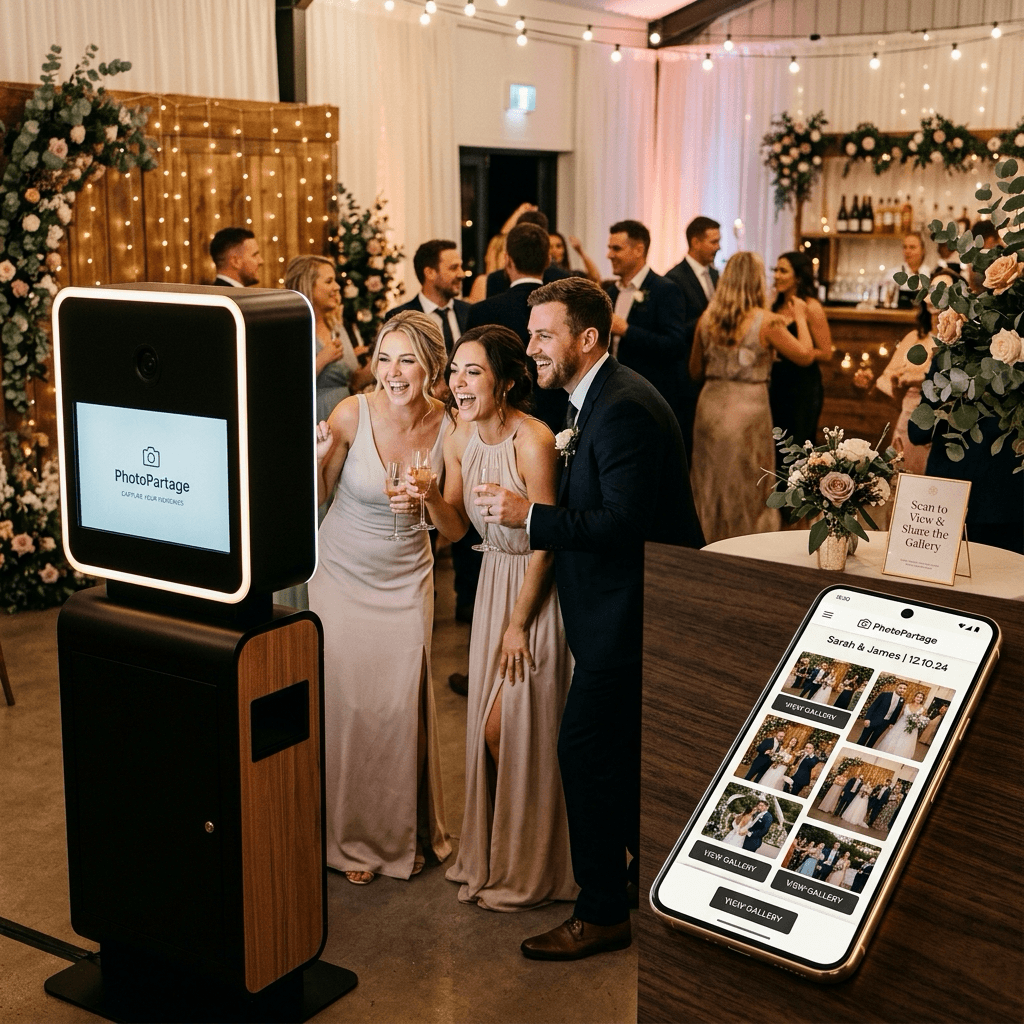
One album per event, fed from the booth or a folder, opened with a QR code.
Live gallery and QR
Guests scan a QR code or open the album link. No app to install. Optional password and expiration date.
Photobooth app and kiosk mode
Sessions, pose settings, countdown and layouts, logo overlay, kiosk mode so the booth can run unattended.
Drop folder (Mac)
Drop photos into a folder: they go to the event gallery on their own. Windows: coming soon.
After the pose
Email delivery, slideshow on a screen (photo frame / TV), Wallprint prints, and your logo from the Starter plan.
From the booth to the gallery
Four steps, using only what exists today.
Create the album
One album for the event, with a link or QR to show on the booth or tables.
Feed it
Photobooth app (kiosk) to capture, or a Mac folder to send files already produced by your booth.
Guests browse
They scan the QR and see the live gallery. You can protect access with a password.
You extend the experience
Email, on-screen slideshow, and Wallprint prints if you enable that option.
Available today / coming soon
Nothing is promised here unless it is already in the product.
| Feature | Status |
|---|---|
| Live event gallery | Available |
| Access by QR code and link | Available |
| On-screen slideshow (photo frame / TV) | Available |
| Photobooth app (poses, countdown, layouts) | Available |
| Kiosk mode | Available |
| Mac hot folder (drop → gallery) | Available |
| Windows client / cross-platform agent | Coming soon |
| Brand logo from Starter | Available |
| Custom domain | Coming soon |
| Fully branded collab | Coming soon |
| Send photos by email | Available |
| Prints via Wallprint | Available |
| Album password | Available |
| Access expiration | Available |
| Ingestion API (key, endpoint, webhook) | Coming soon |
The hot folder does not filter “photos of the day”: the folder is tied to one album. Renters manage events album by album.
Mac hot folder
In the Mac app, you bind a local folder to an album. New files are detected (including subfolders), optimized, then uploaded. Failed transfers are retried three times. There is no “photos of the day” filter.
Windows: coming soon.
Ingestion API
There is no public API key or ingestion endpoint for third-party booths yet. If you need machine-to-machine access, tell us.
On-screen slideshow
Albums can play as a full-screen slideshow (photo frame, TV). This is not a dedicated video-mapping feed from the booth.
Wallprint prints
Guests can order prints from the gallery via Wallprint when that option is enabled on the album.